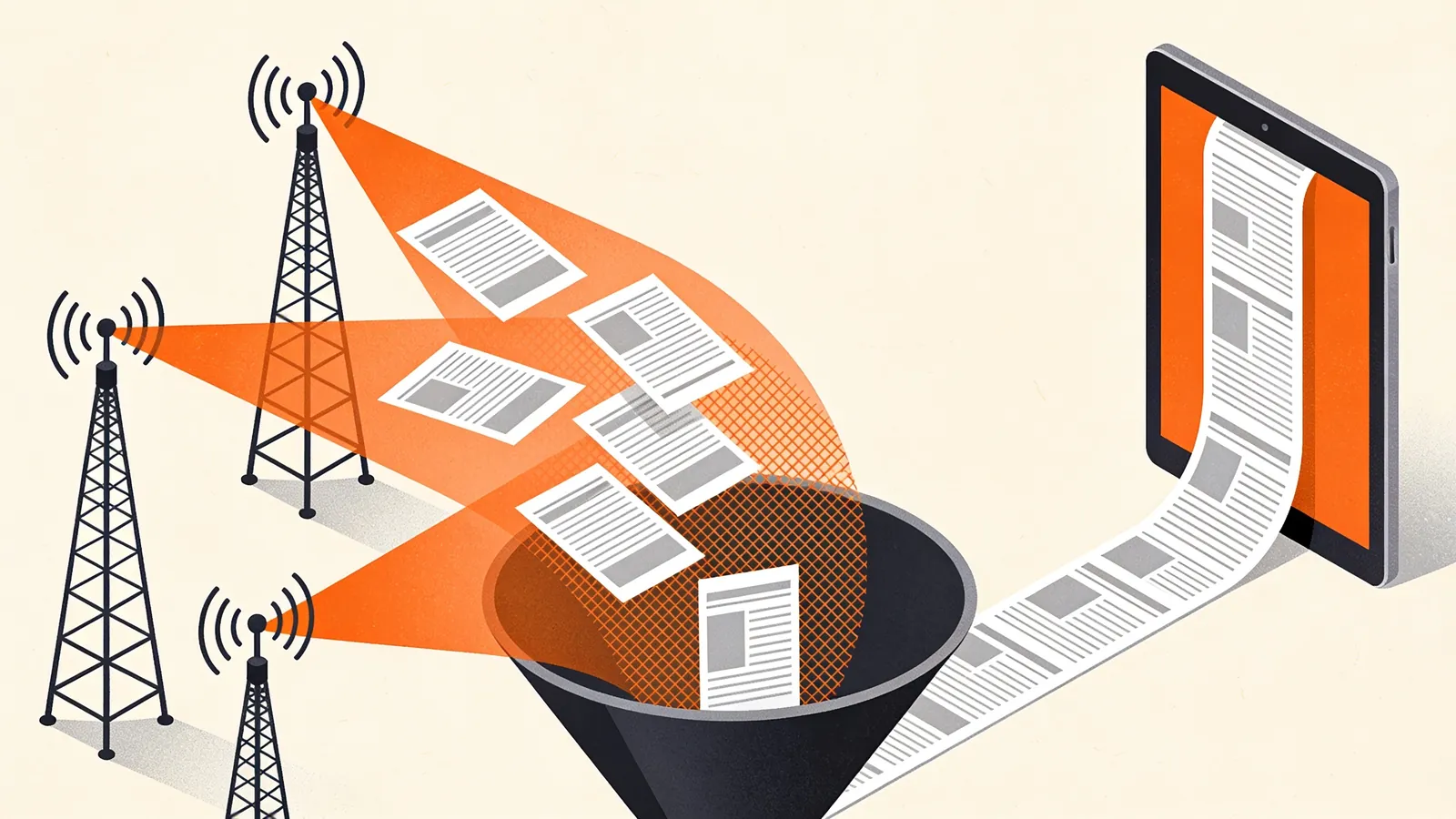
One Feed Instead of Twenty
Following a subject usually means following several sources: a few news sites, a specialist blog, an official changelog, a forum. Each one is a separate subscription with its own pace and its own noise. A merged feed puts them in one stream, newest first, and lets you decide what gets in. You subscribe once, in any reader, and you can hand the same address to a tool that only accepts a single feed.
People use merged feeds for things like these:
- A topic channel in Slack or Discord. Bots such as Slack's RSS app post one feed per subscription. Merge your sources first and the channel gets one tidy stream. See RSS to Slack and RSS to Discord.
- A daily email digest. Most RSS-to-email services take a single feed. A merged, filtered feed turns into a digest of exactly the stories you care about. See RSS to email.
- Monitoring a name or subject. Combine news sites and a Google News search feed, then keep only items that mention your company, product or competitor.
- A news box on your website. Point the feed widget at a merged feed to show headlines from several sources in one list.
How the Merger Works
- Fetch. We load every feed you entered, in parallel, and read RSS 2.0, RSS 1.0, Atom and JSON Feed alike. Each feed is kept for ten minutes, so popular sources are not fetched again for every request.
- Filter. Your keywords are checked against the title and summary of each item, or only the title if you choose that option.
- Sort and deduplicate. All items are sorted by publication date, newest first, and copies of the same story are removed.
- Publish. When you click Create feed URL we store your settings, not the articles, under a short address. Every time a reader asks for that address, the merged feed is rebuilt from the sources, at most every 15 minutes.
Writing Good Keyword Filters
Filters match whole words and ignore capital letters, so ai finds "AI chips" but not "available" or "maintain". Add an asterisk to match the beginning of words: regulat* finds regulation, regulator and regulatory. Separate terms with commas; an item is kept when it contains any of the words in the first field and none of the words in the second.
| You want | Only items with | Leave out items with |
|---|---|---|
| Everything about AI policy | ai act, regulat*, copyright, lawsuit* | deal, sale |
| Releases of tools you use | release*, version, changelog | beta, nightly |
| Mentions of your brand | yourbrand, your product | |
| Tech news without shopping posts | deal*, black friday, coupon*, sponsored |
Matching on titles only gives fewer but more precise results. Matching titles and summaries finds more, including items that mention your subject in passing.
How Duplicates Are Removed
The same story often appears in more than one source: a news site and its section feed, a blog and the aggregator that picked it up, or two feeds of the same publisher. We treat two items as the same when:
- they link to the same page, after removing tracking parameters such as
utm_source, thewww.and a trailing slash; - they carry the same unique ID (the RSS
guidor Atomid); or - their headlines are identical once punctuation and capitals are ignored, for headlines of at least 20 characters.
The newest copy stays and its description notes which other sources carried it. Two publishers writing their own articles about the same event are not merged: their headlines differ, and comparing how different outlets report the same news is often the point of following several sources.
What Ends Up in the Merged Feed
Every item keeps its original title, link and date, a short plain-text summary of up to 280 characters, and a <source> element that names the feed it came from. Full articles and images are not copied: readers click through to the publisher, the way the publisher intended. If you want to understand why, read whether you can republish an RSS feed.
Merged Feed or OPML File?
Both bundle several sources, but they do different jobs. An OPML file is a list of subscriptions: import it and your reader follows each feed separately, with its own unread count. A merged feed is one subscription with one stream, which is what bots, email services and widgets need. Every topic in our feed directory offers both.
Questions About Merging Feeds
Can I combine multiple RSS feeds into one?
Yes. Paste the feed addresses above, preview the result and click Create feed URL. You get one RSS address and one JSON Feed address that you can use anywhere a single feed is expected. The sources can mix formats: an Atom changelog, a JSON Feed blog and an RSS news site merge without any conversion on your side. Up to 20 feeds fit in one merged feed; for more, split them by subject, which usually makes for better reading anyway.
Can I filter an RSS feed by keyword?
Yes, and it works for a single feed too: enter one feed URL and a keyword, and the result is a filtered copy of that feed. Use the first field for words that must appear and the second for words that rule an item out. Test a few variations with the preview: a filter that is too narrow misses stories that use a synonym, one that is too broad lets through items that only mention your word in passing.
How do I remove duplicate items from a merged feed?
Leave Remove duplicate stories switched on. The merger compares links, IDs and headlines as explained above and keeps one copy. If you still see near-duplicates, they usually come from two feeds of the same site with different tracking links or slightly edited headlines; removing one of the two feeds is the cleanest fix.
How fresh is a merged feed?
New posts appear within about 15 minutes after the source publishes them, plus the time your reader takes to check the merged feed. We send standard caching headers, so readers that support conditional requests download it only when something changed.
Can I change a merged feed after creating it?
Open the edit link shown with your feed, change the sources or filters and create it again. Because the address is derived from your settings, changed settings give a new address; update it in your reader. Identical settings always give the same address, so nothing is lost if you create the same feed twice.