Read any Feed in Your Browser
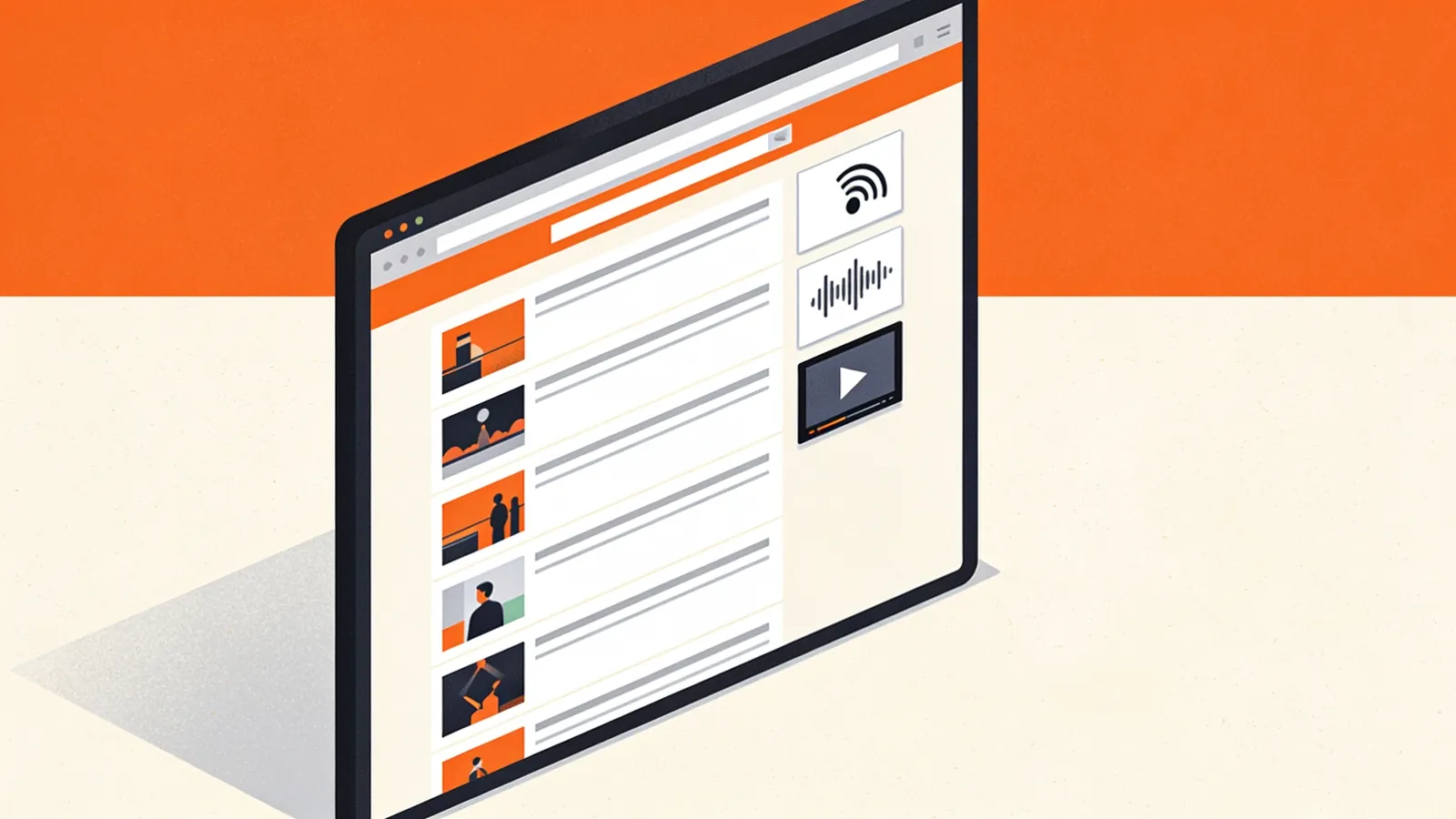
Browsers stopped showing feeds years ago: open an RSS file and you get a wall of code or a download prompt. This viewer turns that code back into something readable. Paste a feed URL and you'll see each item with its title, date, author, image and summary. Expand an item to read the full content, play podcast episodes and videos inline, or filter everything by keyword.
It's useful when you want to:
- Preview a feed before subscribing, to see how often it posts and whether it contains full articles or just summaries.
- Check your own feed the way readers will see it, including images and podcast audio.
- Read a feed once without installing an app, for example a changelog, a job board or a search feed.
- Share a readable link: every loaded URL gets its own address, like
rssfeeds.com/rss-viewer?url=….
How Browsers Handle RSS Feeds
| Browser | What happens when you open a feed |
|---|---|
| Chrome and Edge | Show the raw XML as a code tree, or download the file, depending on the server's content type. |
| Firefox | Shows the raw XML or offers a download; its built-in feed preview was removed in 2018. |
| Safari | Shows the XML source or hands the URL to a feed reader app, depending on the version and installed apps. |
| Vivaldi | Has a built-in reader and offers to subscribe. |
Some publishers used XSLT stylesheets to make feeds readable in the browser, but Chrome is removing XSLT support. The viewer works for every feed, styled or not.
Feed Viewer or Feed Reader?
| Feed viewer | Feed reader | |
|---|---|---|
| Account needed | No | Usually |
| Remembers what you read | No | Yes |
| Combines many feeds | No, one at a time | Yes |
| Checks for new items | When you reload | Automatically |
| Best for | Previewing, testing and one-off reading | Following sources every day |
Why a Feed Won't Load
- It's a web page, not a feed. Use the Feed Finder to find the feed address.
- The feed is broken. Unescaped characters stop XML parsers at the first error. The Feed Validator shows the exact line.
- The server blocks automated requests. Some firewalls refuse feed fetchers. Open the URL in your browser, copy the source and use Paste code.
- It needs a login. Private feeds with a token work if the token is in the URL; feeds behind a login form don't.
Safe by Design
Feed content comes from other websites, so the viewer cleans it before showing it. Scripts, iframes, forms, tracking attributes and inline event handlers are removed, links open in a new tab, and images load without sending a referrer. Pasted code is processed entirely in your browser.
From Viewing to Subscribing
Like what you see? Use the buttons above the items to copy the feed address or add it straight to Feedly or Inoreader. Our overview of the best RSS readers helps you pick an app, and How to Use RSS Feeds explains how to organise subscriptions.
Feed Viewer Questions
Why are some items shown without images?
The viewer looks for images in media:thumbnail, media:content, enclosures, itunes:image and the first image in the content. If a publisher includes none of those, there is nothing to show. Publishers can fix this by adding media:thumbnail to each item.
Why do I only see a short summary?
Many sites publish summaries only, to bring readers to their website. If a feed includes the full text (usually in content:encoded), a Show full content button appears.
Can I view feeds that need a login?
The URL loader only reaches public addresses. Open the private feed in your browser, copy the source and paste it into Paste code.