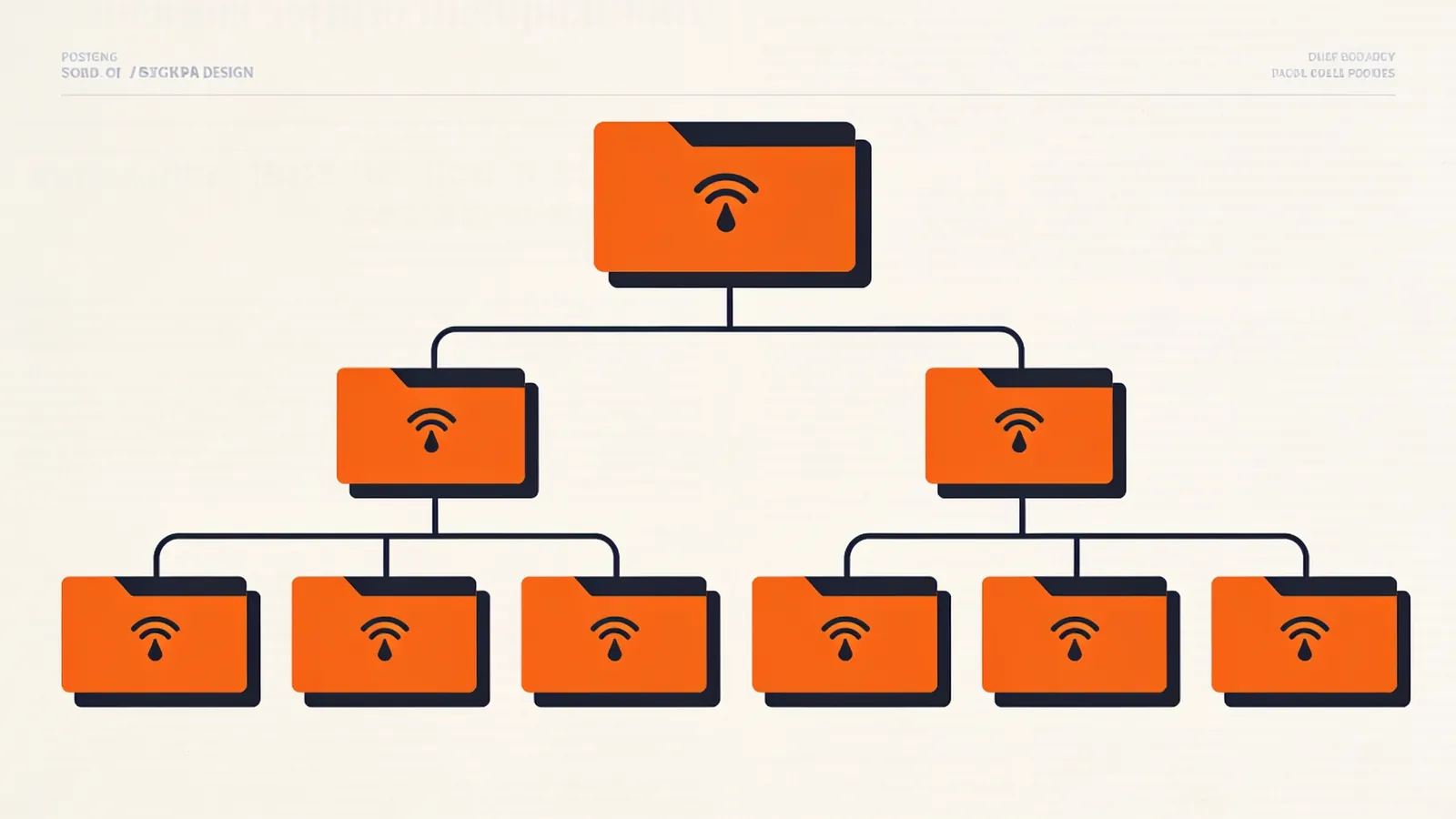
What OPML Is
OPML stands for Outline Processor Markup Language. Dave Winer created it around 2000 for the outliner in Radio UserLand, as a general format for nested outlines. Feed readers adopted it to exchange subscription lists, and that's almost the only place you'll meet it today. The current version, OPML 2.0, was published in 2006.
| File extension | .opml (sometimes .xml) |
|---|---|
| MIME type | text/x-opml is common; application/xml also works |
| Specification | opml.org/spec2.opml |
A Subscription List in OPML
<?xml version="1.0" encoding="UTF-8"?>
<opml version="2.0">
  <head>
    <title>My subscriptions</title>
    <dateCreated>Wed, 11 Nov 2026 09:00:00 +0000</dateCreated>
    <ownerName>Jane Doe</ownerName>
    <docs>http://opml.org/spec2.opml</docs>
  </head>
  <body>
    <outline text="Technology" title="Technology">
      <outline type="rss" text="Example Blog" title="Example Blog"
        xmlUrl="https://example.com/feed.xml" htmlUrl="https://example.com/" />
      <outline type="rss" text="Changelog" title="Changelog"
        xmlUrl="https://dev.example.com/changelog.atom" htmlUrl="https://dev.example.com/changelog" />
    </outline>
    <outline type="rss" text="Field Notes" xmlUrl="https://notes.example/feed.xml" />
  </body>
</opml>
The <head> holds metadata about the list. The <body> contains <outline> elements. An outline with xmlUrl is a feed; an outline with children is a folder. Most readers support one level of folders.
Outline Attributes for Feeds
| Attribute | Description | |
|---|---|---|
text | required | The display name. Also used for folder names. |
type | required for feeds | rss for any feed, including Atom and JSON Feed. |
xmlUrl | required for feeds | The feed URL. Note the capital U. |
htmlUrl | optional | The website of the feed. |
title | optional | The feed's own title. Many readers write the same value as text. |
description, language | optional | From the feed's channel. |
version | optional | Format hint: RSS2, RSS1, RSS or scriptingNews. |
Other outline types exist: link (with a url attribute) for a web page and include to include another OPML file by reference.
Head Elements
All optional: title, dateCreated and dateModified (RFC 822 dates), ownerName, ownerEmail, ownerId, docs, and outliner state elements such as expansionState, vertScrollState and window positions that feed readers ignore.
Exporting, Importing and Sharing
- Export from your current reader. The option is usually under settings, "Import/Export" or "Manage feeds".
- Clean up the file in the OPML Editor: remove dead feeds and duplicates, rename folders, merge exports from several readers.
- Import in the new reader. Folder structure and titles come along; read/unread state and starred items don't – OPML only lists subscriptions.
Publishing an OPML file on your site is a lovely way to share what you read. Some readers let you subscribe to a remote OPML file, so your followers automatically get feeds you add later.
Common OPML Problems
- Unescaped ampersands in titles or URLs make the whole file unreadable. Every
&in an attribute must be&. - Lowercase
xmlurl: attribute names are case-sensitive. Our editor accepts both, but not every reader does. - Nested folders deeper than one level are flattened by most readers.
- Dead feeds pile up over years. Check them in bulk with the OPML Editor before moving.
Sources and Further Reading
- OPML 2.0 Specificationopml.org
- RSS AutodiscoveryRSS Advisory Board