RSS in One Sentence
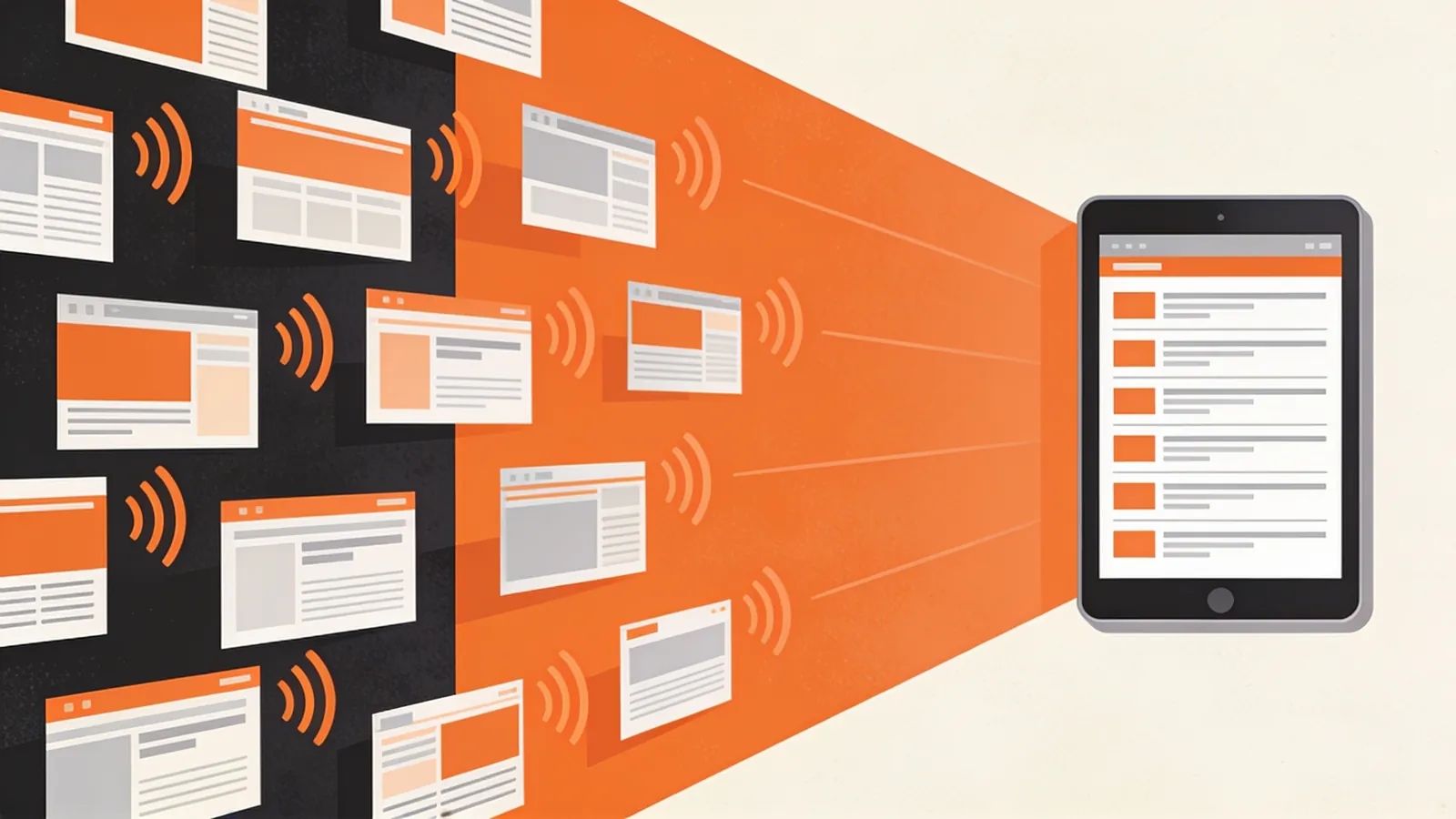
An RSS feed is a small file on a website that lists its latest content in a standard format, so that apps called feed readers can check it automatically and show you what's new.
RSS stands for Really Simple Syndication. "Syndication" means making content available for others to pick up and display – the same idea as a newspaper column printed by many papers. You'll also see the words feed, web feed and news feed; they mean the same thing.
How RSS Works
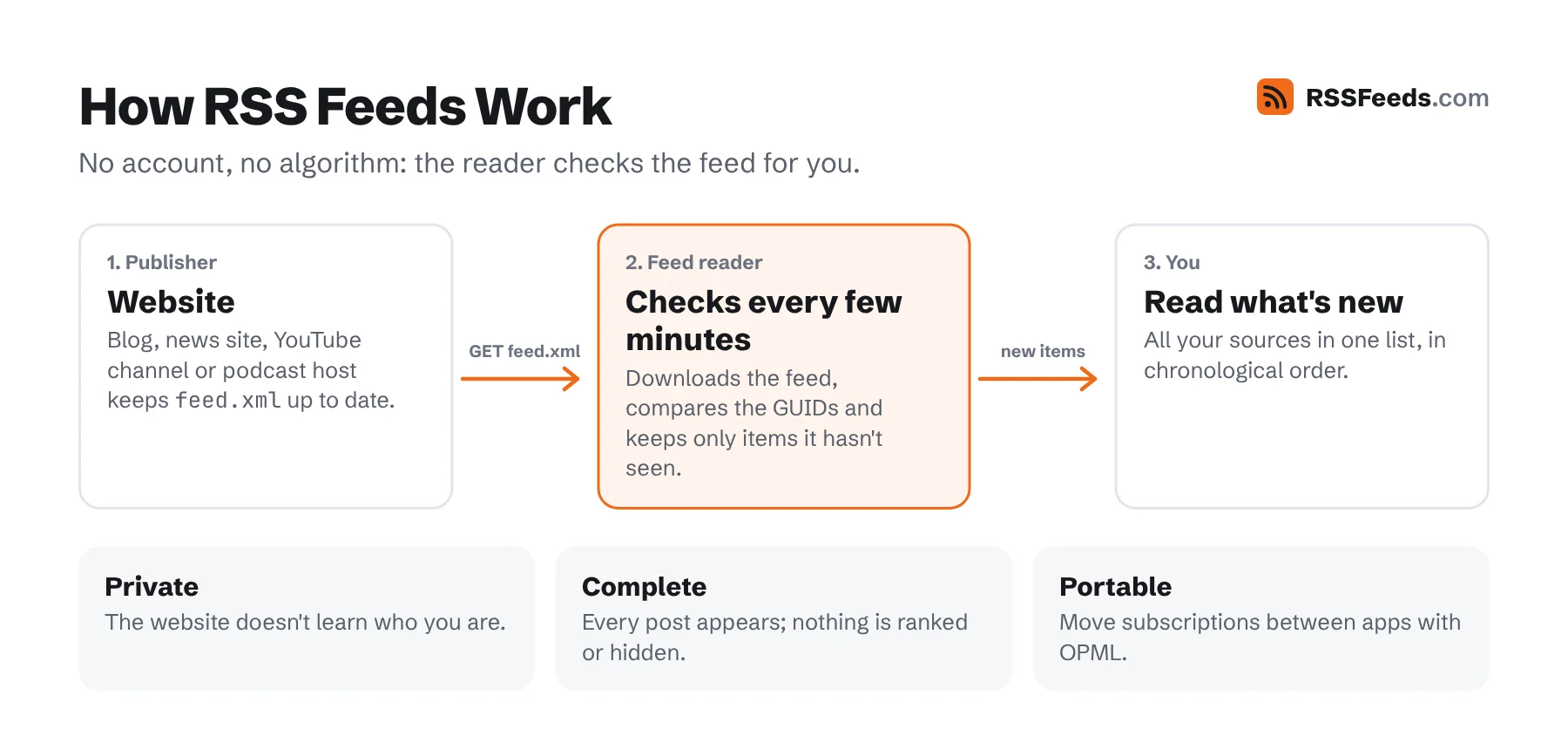
- The website publishes a feed. Its software (WordPress, a podcast host, YouTube, Substack…) keeps a file such as
example.com/feed.xmlup to date with the newest posts. - You subscribe in a feed reader. You give the reader the feed's address – usually by pasting the website URL; the reader finds the feed itself.
- The reader checks for you. Every so often it downloads the feeds you follow and shows the new items, from all your sources, in one list.
Nobody needs an account at the website, there's no email address involved, and the website doesn't know who you are. You can unsubscribe with one click.
What an RSS Feed Looks Like
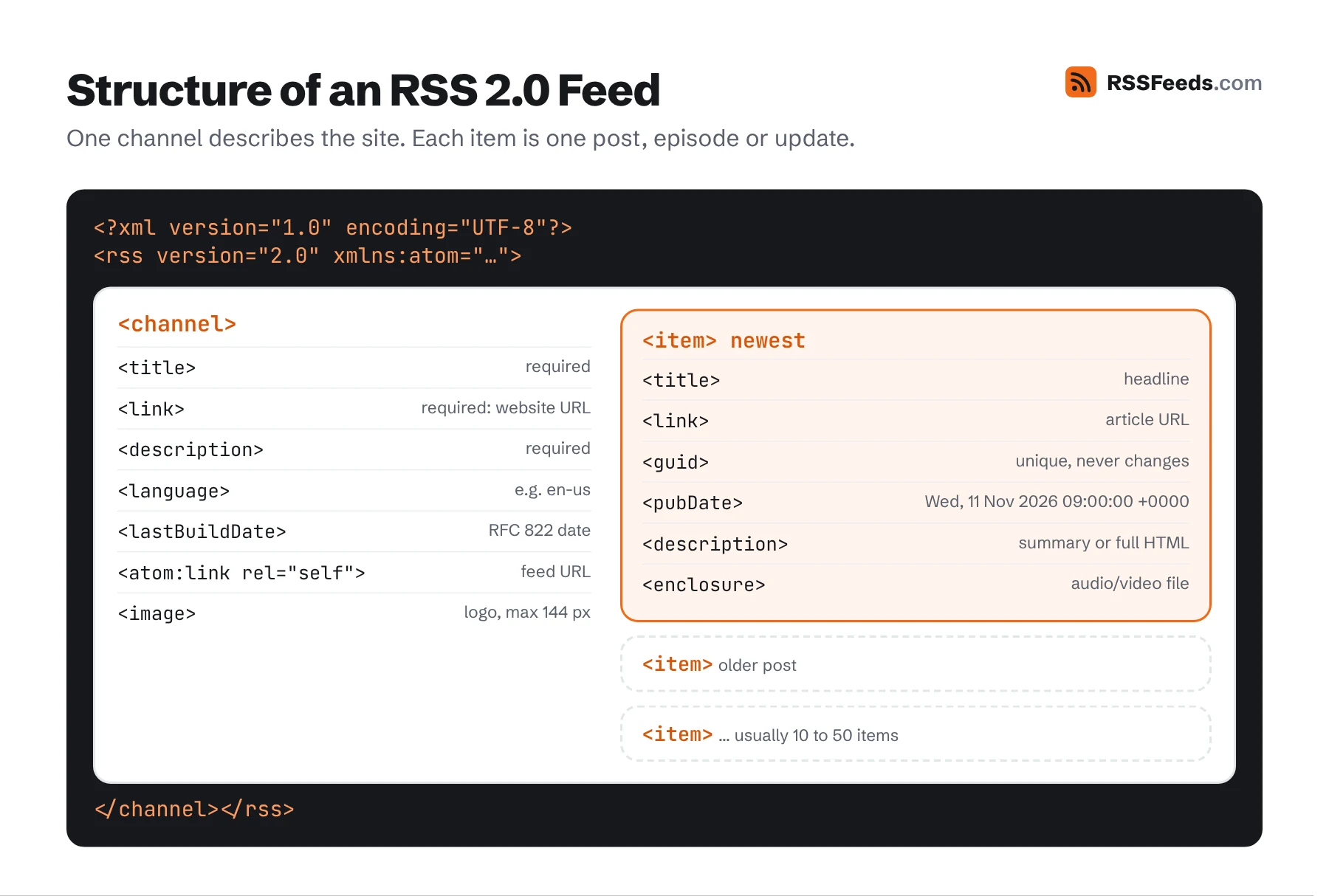
Behind the scenes, a feed is plain XML text. You never have to read it yourself, but it helps to know there's no magic:
<rss version="2.0">
  <channel>
    <title>Example Blog</title>
    <link>https://example.com/</link>
    <description>Notes about the web.</description>
    <item>
      <title>Why feeds still matter</title>
      <link>https://example.com/why-feeds-matter</link>
      <pubDate>Wed, 11 Nov 2026 09:00:00 +0000</pubDate>
      <description>A short summary of the article.</description>
    </item>
  </channel>
</rss>
The channel describes the website; each item is one post. Open any feed in the Feed Viewer to see it as a readable page instead.
Why People Use RSS
- No algorithm. You see everything from the sources you chose, in the order it was published. Nothing is boosted, hidden or ranked for engagement.
- Nothing gets missed. Social platforms show a fraction of what the people you follow post. A feed reader shows all of it.
- One place for everything. Blogs, news sites, YouTube channels, podcasts, subreddits, newsletters and GitHub releases, side by side.
- Privacy. No sign-up at each website, no inbox full of newsletters, no tracking of what you follow by the publisher.
- Time. Scanning fifty headlines in a reader takes a minute. Visiting fifty websites takes an hour.
- It's open. RSS belongs to nobody. Switch reader apps whenever you like and take your subscriptions with you through OPML.
What You Can Follow with RSS
Far more than blogs. Most of the web still publishes feeds, even when it doesn't advertise them:
| News sites and blogs | Almost all of them, often with separate feeds per section or category. |
|---|---|
| Podcasts | Every podcast is an RSS feed. Podcast apps are feed readers for audio. |
| YouTube | Every channel and playlist, including a feed without Shorts. |
| Every subreddit, user and search. | |
| Mastodon and Bluesky | Public profiles and, on Mastodon, hashtags. |
| Newsletters | Substack and Ghost newsletters have feeds; others can be turned into feeds. |
| Software | GitHub releases and commits, changelogs, status pages, security advisories. |
| Searches and alerts | Google News searches, job boards, marketplace listings, research papers on arXiv. |
The Feed Finder finds the feed for any of these, and lists the URL patterns for popular platforms.
RSS Compared with Newsletters and Social Media
| RSS | Email newsletter | Social media | |
|---|---|---|---|
| You see every post | Yes | Yes, if it isn't filtered as spam | No, an algorithm decides |
| Order | Chronological | Chronological | Ranked |
| Need to share personal data | No | Email address | Account and behaviour |
| Unsubscribe | One click, instantly | Usually works | Unfollow |
| Ads inserted by the platform | No | No | Yes |
| Works across all sites | Yes | Only sites with a newsletter | Only accounts on that platform |
How to Start in Five Minutes
- Pick a reader from our list of the best RSS readers. Feedly, Inoreader and NewsBlur work in the browser; NetNewsWire is a free app for Mac and iPhone.
- Paste the address of a website you like into the reader's add or search box. It finds the feed.
- Add ten to twenty sources and check in once or twice a day.
Our guide How to Use RSS Feeds covers organising feeds, filtering, following newsletters and automating with feeds.
RSS for Website Owners
If you publish anything, a feed is the cheapest way to keep readers coming back. It lets loyal readers follow you without giving up their email address, it makes your content available to aggregators, apps and automations, and it helps search engines discover new pages quickly. Most systems create one automatically – see How to Create an RSS Feed – and the publisher best practices show how to make yours excellent.
Is RSS Dead?
No – it went quiet. When Google Reader closed in 2013, RSS disappeared from mainstream conversation, but it never stopped working. Every podcast runs on it, most websites still publish feeds, and readers like Feedly, Inoreader and NetNewsWire are actively developed. With people tiring of algorithmic timelines, more of them are rediscovering it. The full story is in History of RSS.
Sources and Further Reading
- RSS 2.0 SpecificationRSS Advisory Board
- RFC 4287: The Atom Syndication FormatIETF
- JSON Feed Version 1.1jsonfeed.org
- RSSWikipedia